CPU

CPU CLASSROOM

CPU Classroom

Why do equal clock rates deliver different speeds, and why can extra cores still wait? Learn through concrete CPU, data, and parallel-work examples, then choose Arm, RISC-V, or design electives. Unfinished lessons are marked Planned.

CPU CLASSROOM · COURSE MAP

How does a CPU get useful work done?

Why does changing the CPU or adding cores fail to speed up the same job as expected? Follow MY Teacher and MY Robot to find where work waits and how cores and data cooperate. Each lesson explains a mechanism through concrete examples, including its costs and limits.

26planned lessons3available lessons4design electives
Start with lesson 1 → Explore the complete curriculum ↓
MY Teacher and MY Robot explore a four-core processor and memory, with orange arrows representing work flow
Explore cores, data, and systems with MY Teacher and MY Robot.

Choose where to begin

Start with the available single-core, multi-core, and cache lessons to build intuition. In the full plan, the first six lessons establish performance and parallel-work foundations. Then follow prerequisites into memory systems, Arm, or RISC-V. Planned entries have no article yet; you do not need to finish all 26 lessons before beginning.

26 LESSONS · 5 STAGES

The complete CPU Classroom curriculum

22 conceptual and analytical lessons plus 4 design electives. Available lessons open directly; planned lessons will be developed individually, with titles and order subject to refinement.

STAGE 01 · 1–6

From core performance to parallel work

Begin with the CPU factory, explore single cores, multiple cores, SIMD, and SMT, then learn to measure fairly.

  1. 01

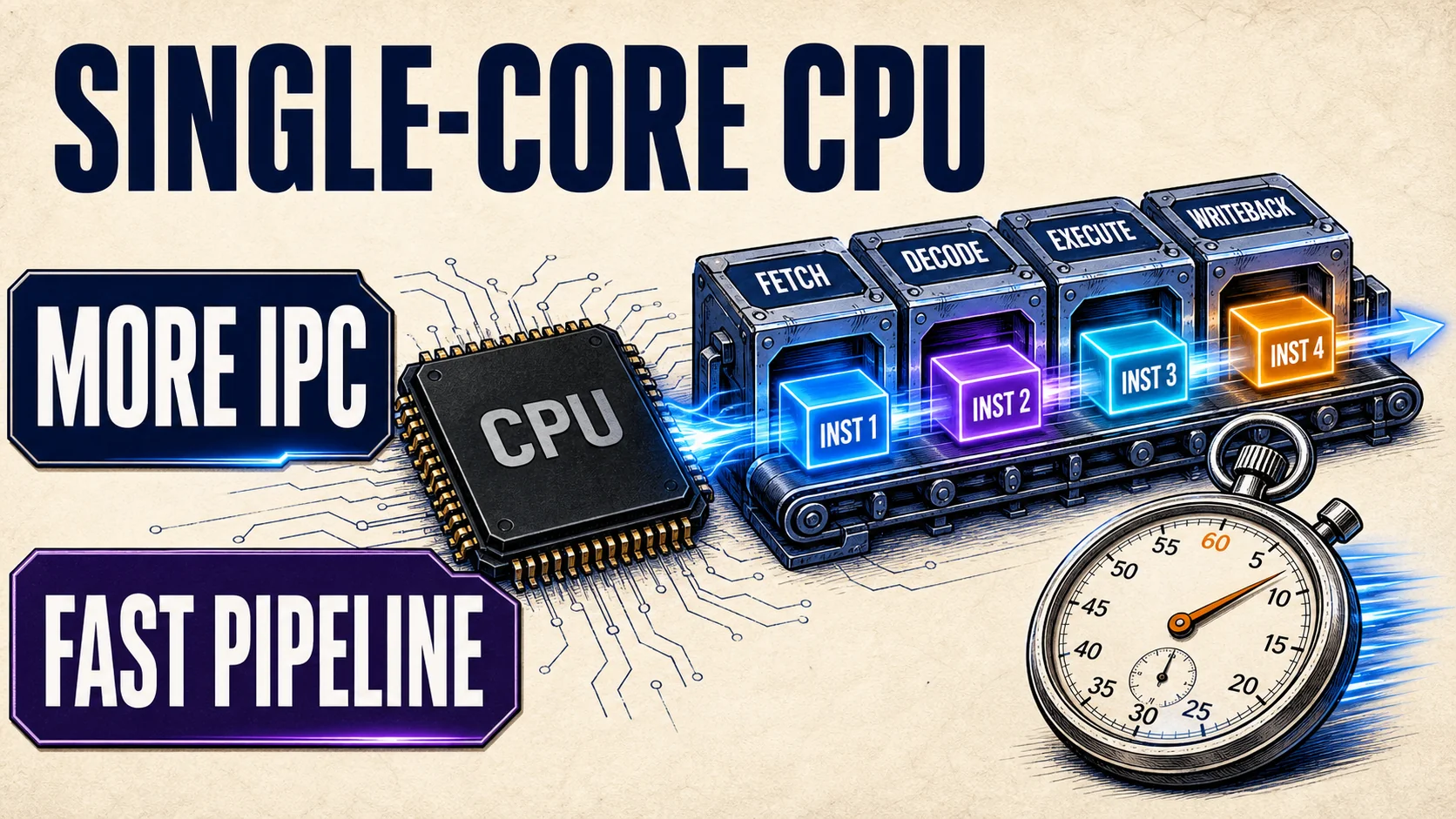
    Why can CPUs at the same GHz perform so differently?

    After this lesson: Separate frequency from IPC and explain width, prediction, out-of-order execution, and data stalls.

    Prerequisites: No earlier lessons · Basic programming and instruction concepts

    Read this lesson →
  2. 02

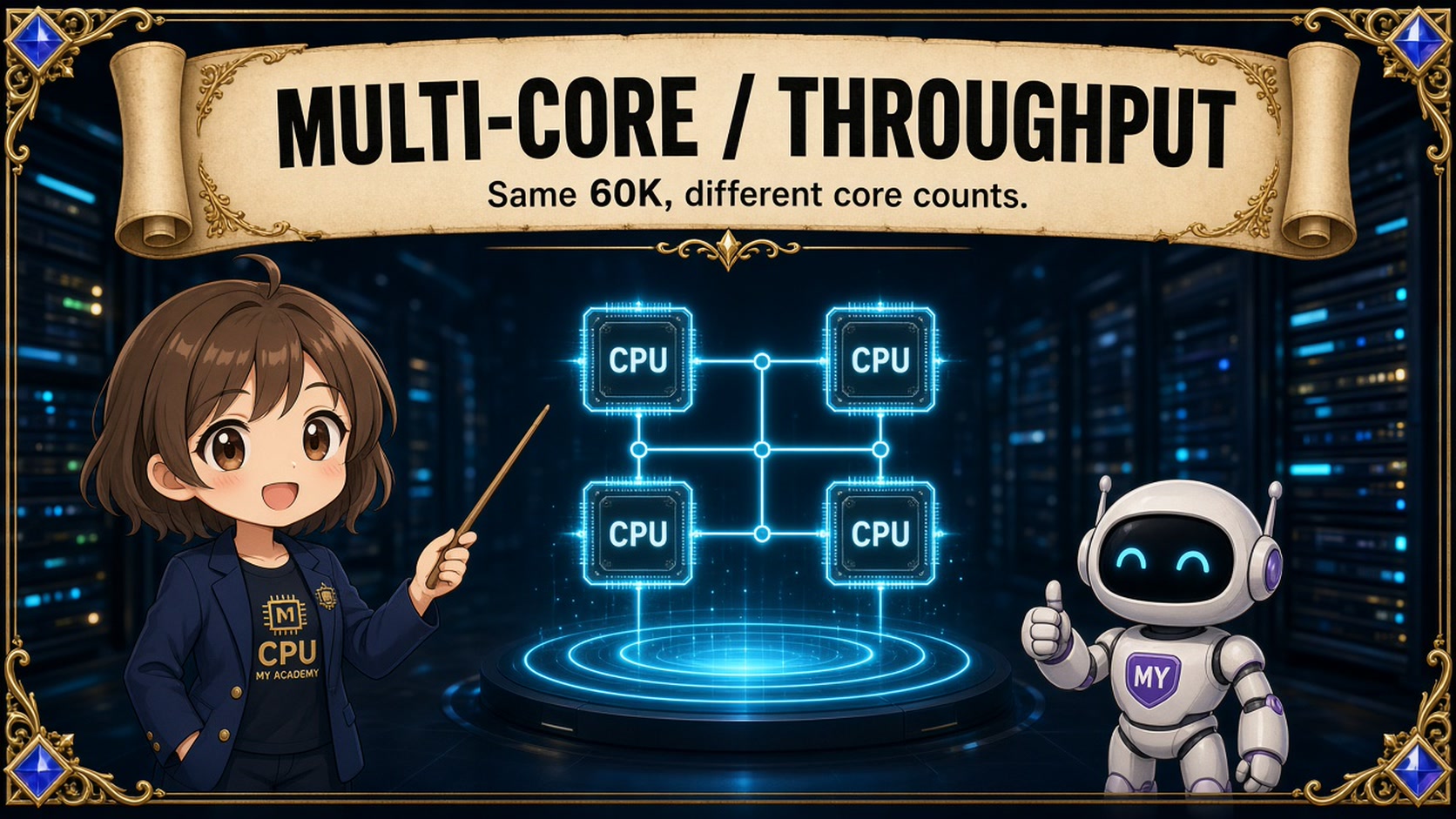
    Why does adding cores fail to scale performance proportionally?

    After this lesson: Identify serial work, shared bottlenecks, and imbalance, then propose a measurable question.

    Prerequisites: Lesson 1

    Read this lesson →
  3. 03

    Parallel programming and efficiency

    Planned

    Why are eight cores only four times faster at processing photos?

    After this lesson: Compare schedules on a timeline, calculate speedup and parallel efficiency, and check correctness.

    Prerequisites: Lesson 1, Lesson 2

    This planned lesson will compare work decomposition, uneven finishing times, coordination, and combining results correctly. The outline’s 80 → 23 → 20 second example is a teaching model, not a benchmark.

  4. 04

    SIMD vector processing

    Planned

    Can one instruction process a row of pixels?

    After this lesson: Trace vector batches, masks, and tails, and distinguish SIMD from multiple cores.

    Prerequisites: Lesson 1, Lesson 3

  5. 05

    SMT and hardware threads

    Planned

    What does eight cores and sixteen threads actually mean?

    After this lesson: Explain shared execution resources and the tradeoff between hiding stalls and contention.

    Prerequisites: Lesson 1

  6. 06

    Performance diagnosis and measurement

    Planned

    Is computation slow, data late, or the measurement misleading?

    After this lesson: Build a fair baseline, fix inputs and timing boundaries, and test a bottleneck hypothesis.

    Prerequisites: Lesson 1, Lesson 2, Lesson 3, Lesson 4, Lesson 5

STAGE 02 · 7–12

Data, memory, and system cooperation

Follow where data lives and how it is read, then examine handoffs between cached copies. Connect memory ordering, distance, and energy cost to decisions about the same job.

  1. 07

    Data layout and reuse

    Planned

    Why does changing data access transform the same algorithm's performance?

    After this lesson: Use stride, AoS/SoA, and blocking to reason about data reuse.

    Prerequisites: Lesson 1, Lesson 4, Lesson 6

  2. 08

    Virtual memory and TLBs

    Planned

    How does a program address locate physical data?

    After this lesson: Trace address translation and distinguish TLB misses, cache misses, and page faults.

    Prerequisites: Lesson 1, Lesson 7

  3. 09

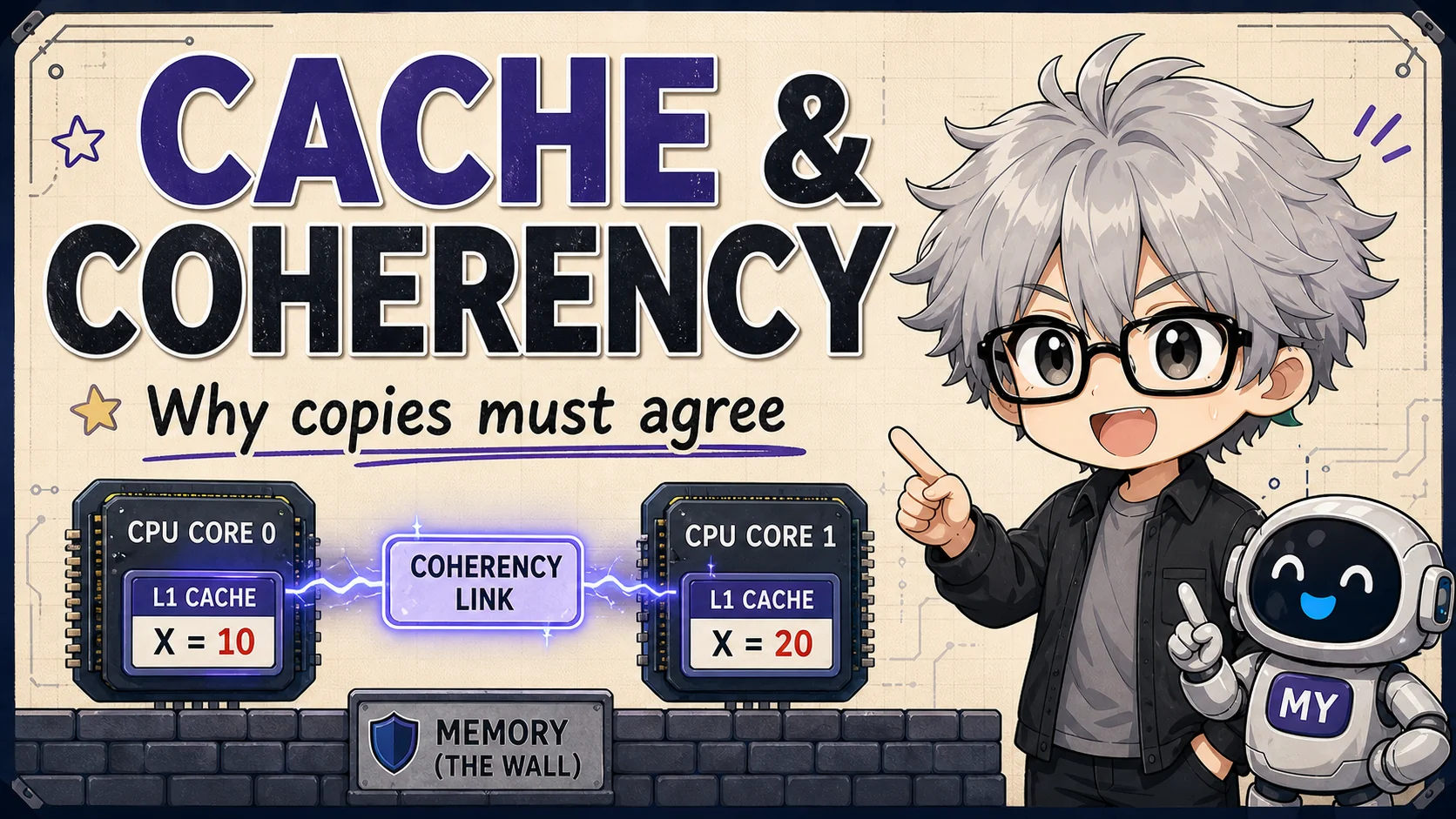
    How do cores keep their cached copies coherent?

    After this lesson: Trace cache-line reads, writes, and ownership through MESI, directories, and false sharing.

    Prerequisites: Lesson 1, Lesson 7

    This lesson is available and occupies position 9 in the full curriculum. Begin with cached copies and write-permission handoffs, then revisit the prerequisites when data-layout questions arise.

    Read this lesson →
  4. 10

    Memory ordering and synchronization

    Planned

    Why might a completion flag arrive before the expected data?

    After this lesson: Separate coherence from ordering and reason about acquire/release using valid atomic operations.

    Prerequisites: Lesson 3, Lesson 9

  5. 11

    NUMA and interconnects

    Planned

    Why can memory inside one machine be local or remote?

    After this lesson: Place tasks and data on a node diagram and explain placement, affinity, and topology.

    Prerequisites: Lesson 6, Lesson 8, Lesson 9

  6. 12

    Energy and heterogeneous cores

    Planned

    Can finishing faster save more energy?

    After this lesson: Compare power and energy for equal work and explain DVFS and heterogeneous scheduling.

    Prerequisites: Lesson 1, Lesson 5, Lesson 6

STAGE 03 · 13–17

Understand the ISA and explore Arm

Separate instruction rules from implementations, explore Arm profiles, A64, and vectors, then examine x86 instruction decoding.

  1. 13

    ISA, microarchitecture, and software layers

    Planned

    What do the ISA, CPU core, SoC, and operating system each define?

    After this lesson: Distinguish ISA, microarchitecture, ABI, OS, and toolchain before exploring Arm or RISC-V.

    Prerequisites: Lesson 1, Lesson 3 · Basic C function concepts

  2. 14

    The Arm architecture map

    Planned

    Why do Cortex-A, R, and M serve different needs?

    After this lesson: Identify A/R/M profiles and their uses while separating architecture from implementation.

    Prerequisites: Lesson 13

  3. 15

    Your first A64 program

    Planned

    How does an array sum become registers, loads, and branches?

    After this lesson: Step through a short function and basic AAPCS64 calling conventions.

    Prerequisites: Lesson 13, Lesson 14

  4. 16

    Arm Neon and SVE

    Planned

    How do vectors handle full batches and the final partial batch?

    After this lesson: Compare vector tails, predication, and hardware feature requirements.

    Prerequisites: Lesson 4, Lesson 15

  5. 17

    x86 and the instruction front end

    Planned

    How do complex instructions enter a modern CPU?

    After this lesson: Explain encoding, decoding, and micro-ops without equating instruction count with speed.

    Prerequisites: Lesson 1, Lesson 13

STAGE 04 · 18–22

RISC-V and cross-architecture porting

Move from the open standard to programs, privileged systems, and vectors, then ask how the same software crosses platforms.

  1. 18

    RISC-V openness and extensions

    Planned

    Does an open ISA mean an open or free chip?

    After this lesson: Distinguish the base ISA, extensions, profiles, implementation licensing, and product costs.

    Prerequisites: Lesson 13

  2. 19

    Your first RV32I program

    Planned

    How does a CPU execute an integer sum step by step?

    After this lesson: Trace the PC, registers, loads, stores, and branches to understand instruction semantics.

    Prerequisites: Lesson 13, Lesson 18

  3. 20

    Privilege, traps, and the operating system

    Planned

    Who changes protected settings, handles interrupts, and translates addresses?

    After this lesson: Trace traps and CSRs in an explicitly RV64 system and separate CPU, firmware, and OS roles.

    Prerequisites: Lesson 8, Lesson 10, Lesson 19

  4. 21

    RISC-V Vector

    Planned

    How can one program handle different vector lengths?

    After this lesson: Trace vl, VLEN, SEW, masks, and the last strip-mined batch.

    Prerequisites: Lesson 4, Lesson 18, Lesson 19

  5. 22

    Porting across architectures

    Planned

    Why might recompilation still be insufficient?

    After this lesson: Locate porting failures using ABI, libraries, OS, drivers, and feature detection.

    Prerequisites: Lesson 13, Lesson 15, Lesson 17, Lesson 19

STAGE 05 · 23–26

CPU design and verification electives

Build a teaching-subset CPU, add a pipeline, verify it, and evaluate design tradeoffs. Readers without RTL experience can begin with paper exercises.

  1. 23

    Build a small teaching CPU

    PlannedElective

    How does an instruction drive the datapath and control signals?

    After this lesson: Draw the PC, ALU, registers, and control FSM for an explicit teaching subset, not a complete RV32I implementation.

    Prerequisites: Lesson 19 · Hands-on work also requires synchronous RTL, valid/ready, and testbench basics

  2. 24

    Pipelines and hazards

    PlannedElective

    Why can overlapping instructions read stale values?

    After this lesson: Identify RAW hazards and reason about forwarding, stalls, flushes, and memory backpressure.

    Prerequisites: Lesson 23

  3. 25

    CPU verification

    PlannedElective

    Why do a few correct examples fail to establish confidence?

    After this lesson: Use reference models, differential traces, assertions, and reproducible failures; verification starts in lesson 23.

    Prerequisites: Lesson 23, Lesson 24

  4. 26

    CPU design capstone

    PlannedElective

    With one budget, should you add cores, cache, or improve software?

    After this lesson: Evaluate workload, latency, throughput, and energy while separating teaching models from measurements.

    Prerequisites: Lesson 6, Lesson 12, Lesson 22 · The RTL route also requires lesson 25

Available classrooms